Work from original media
Import files you own or are authorized to use. Each project's sources, transcripts, edits, and outputs stay organized together.
 ClipForge
Local-first video workflow
ClipForge is a desktop workspace for independent creators and production teams. Import your own media, find strong moments, refine vertical clips, review captions, and publish with control over every post.
Built for the full edit
ClipForge keeps the preparation work in one desktop project so creators can make deliberate edits instead of pushing an untouched file to another platform.
Import files you own or are authorized to use. Each project's sources, transcripts, edits, and outputs stay organized together.
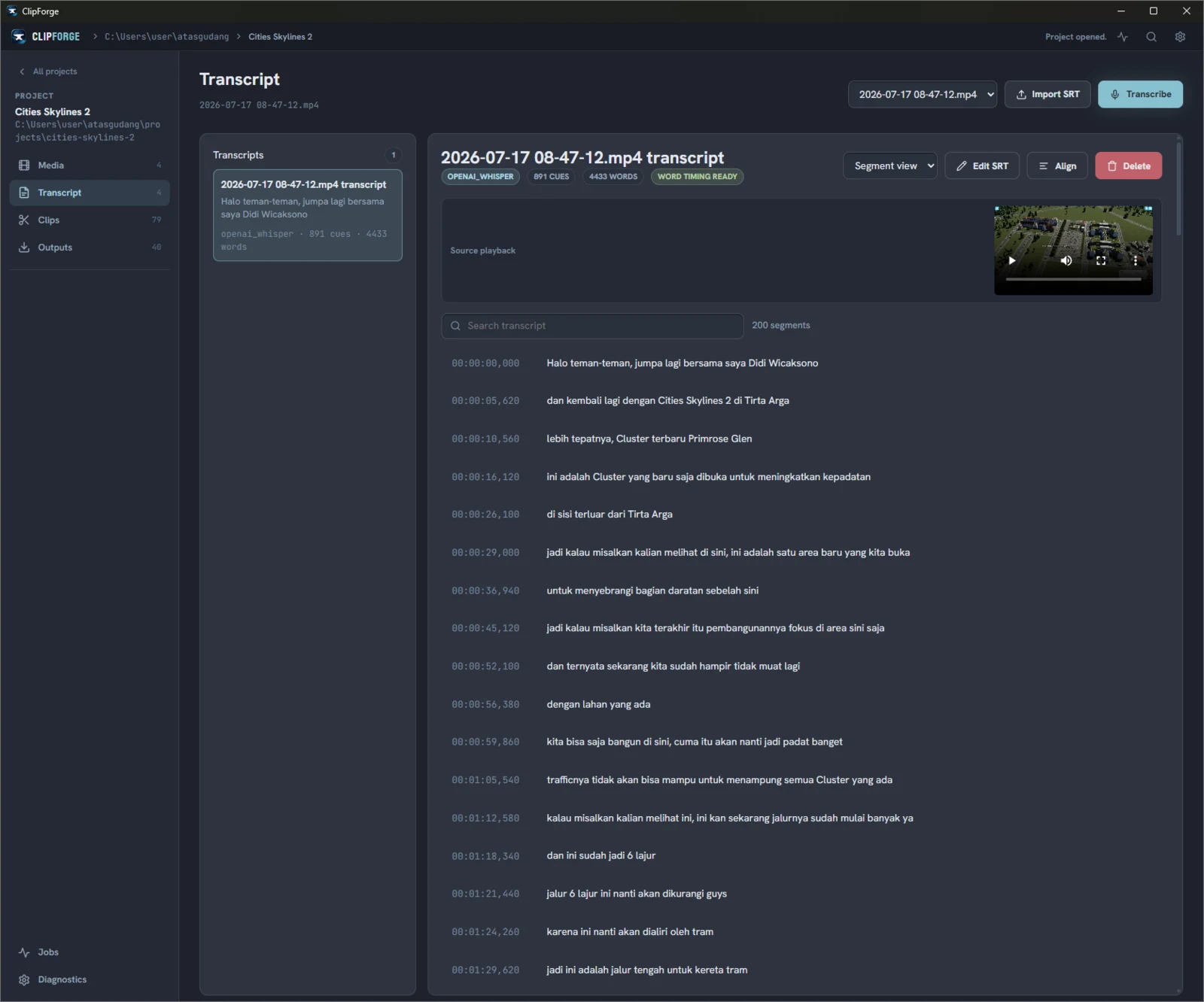
Generate or import a transcript, align word timing, and create highlight candidates from the material you selected.
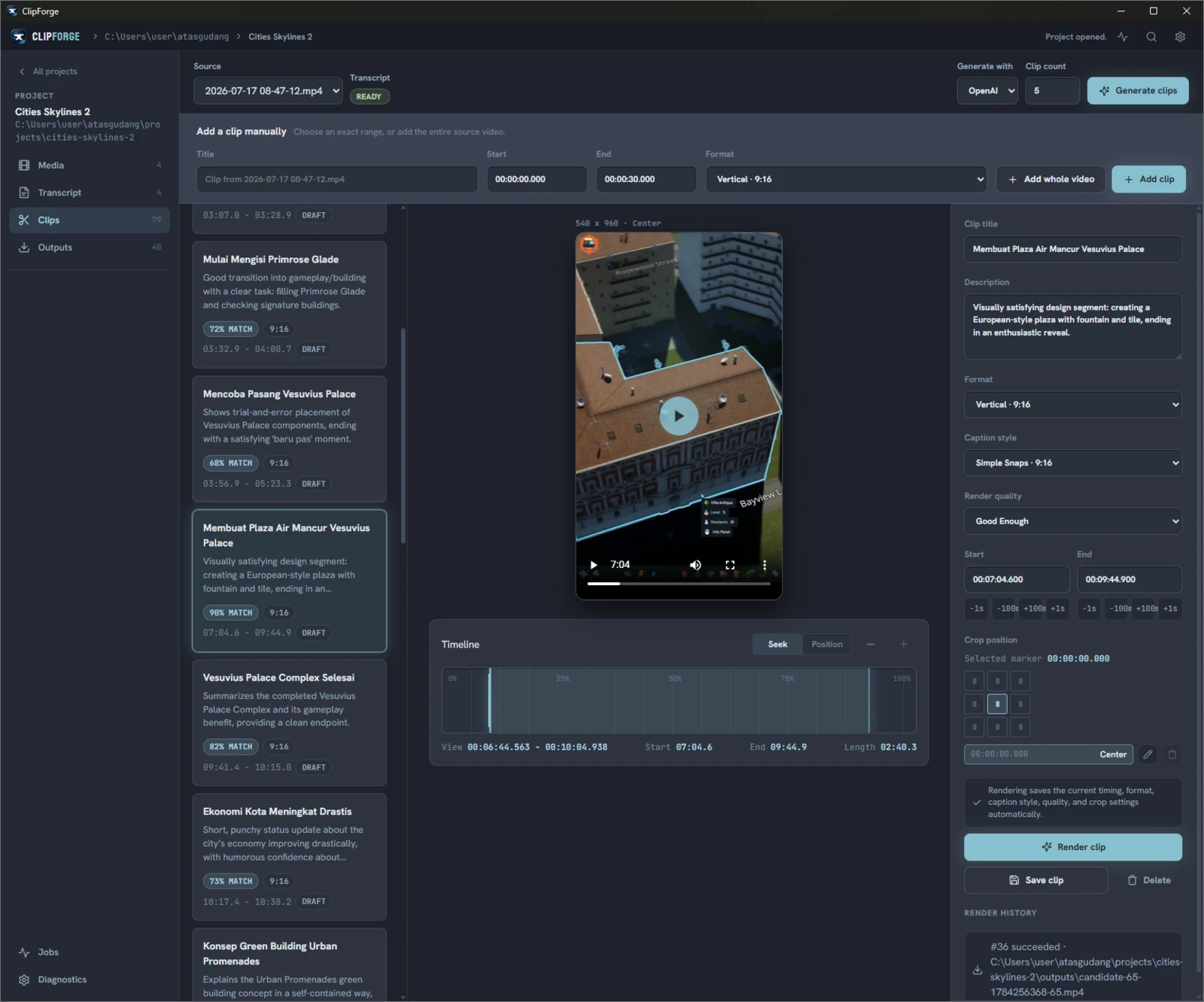
Preview timing, adjust the clip, edit titles and captions, and render a vertical result before it goes anywhere.
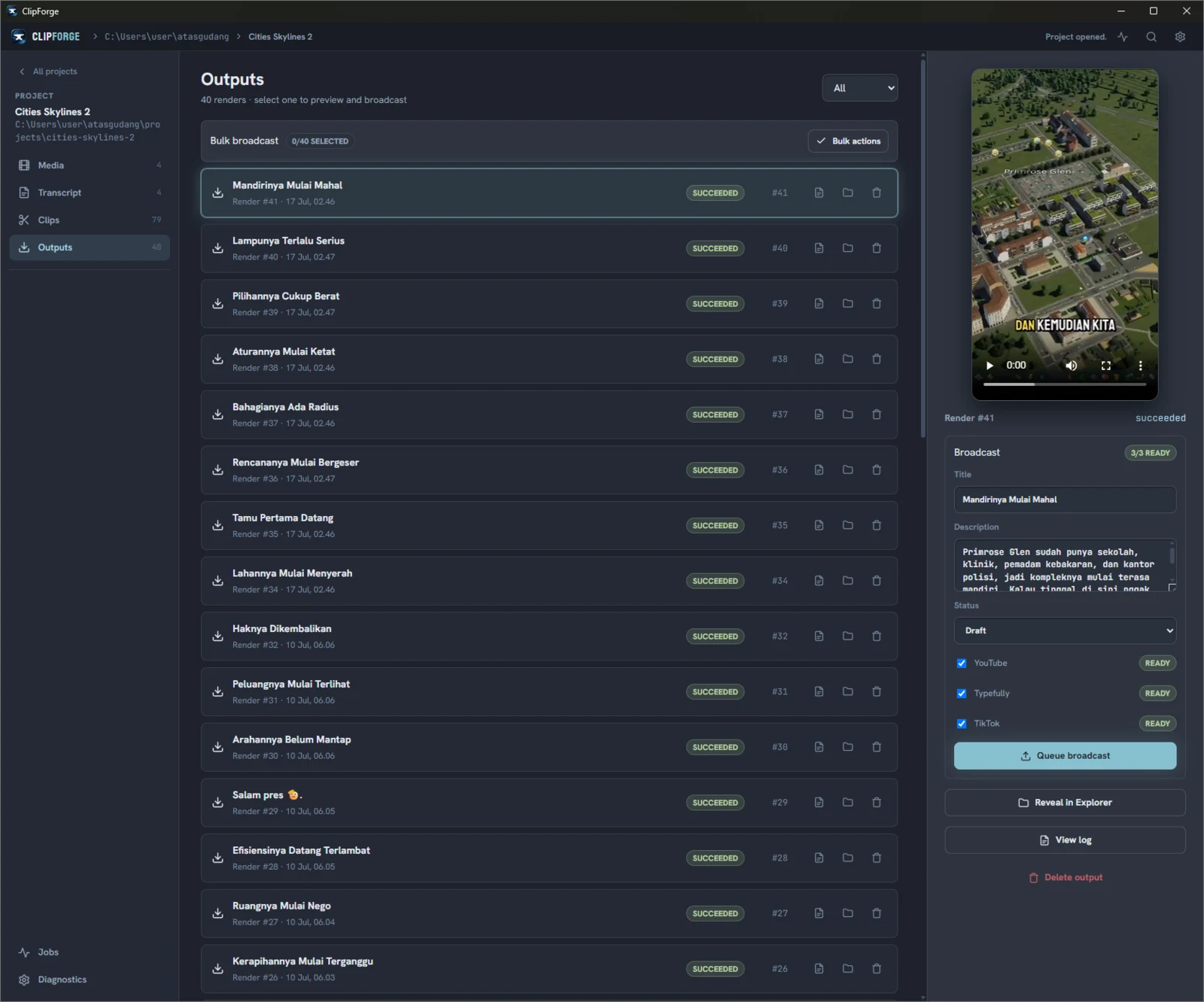
Choose a connected destination, review its settings, and explicitly approve each transfer. ClipForge does not publish in the background.
Inside ClipForge
Each screen stays tied to the same local project, so the source, transcript, clip decisions, rendered file, and publishing details remain easy to inspect.
Publishing integrations
ClipForge can send a reviewed output to YouTube, Typefully, or TikTok. Each transfer starts from the rendered file and post details in your local project.
Upload a clip with its title, description, category, privacy setting, and optional scheduled release.
YouTube workflowCreate or schedule a media draft for the X and Threads channels in your configured Typefully social set.
Typefully workflowReview the creator, caption, audience, interactions, disclosures, and consent before posting.
TikTok workflowLocal by default
ClipForge stores project files, media, transcripts, and rendered clips in a workspace you choose. Platform credentials use operating-system secure storage. A file leaves your computer only when you ask ClipForge to use a configured service, such as transcription or publishing.
Make the next clip