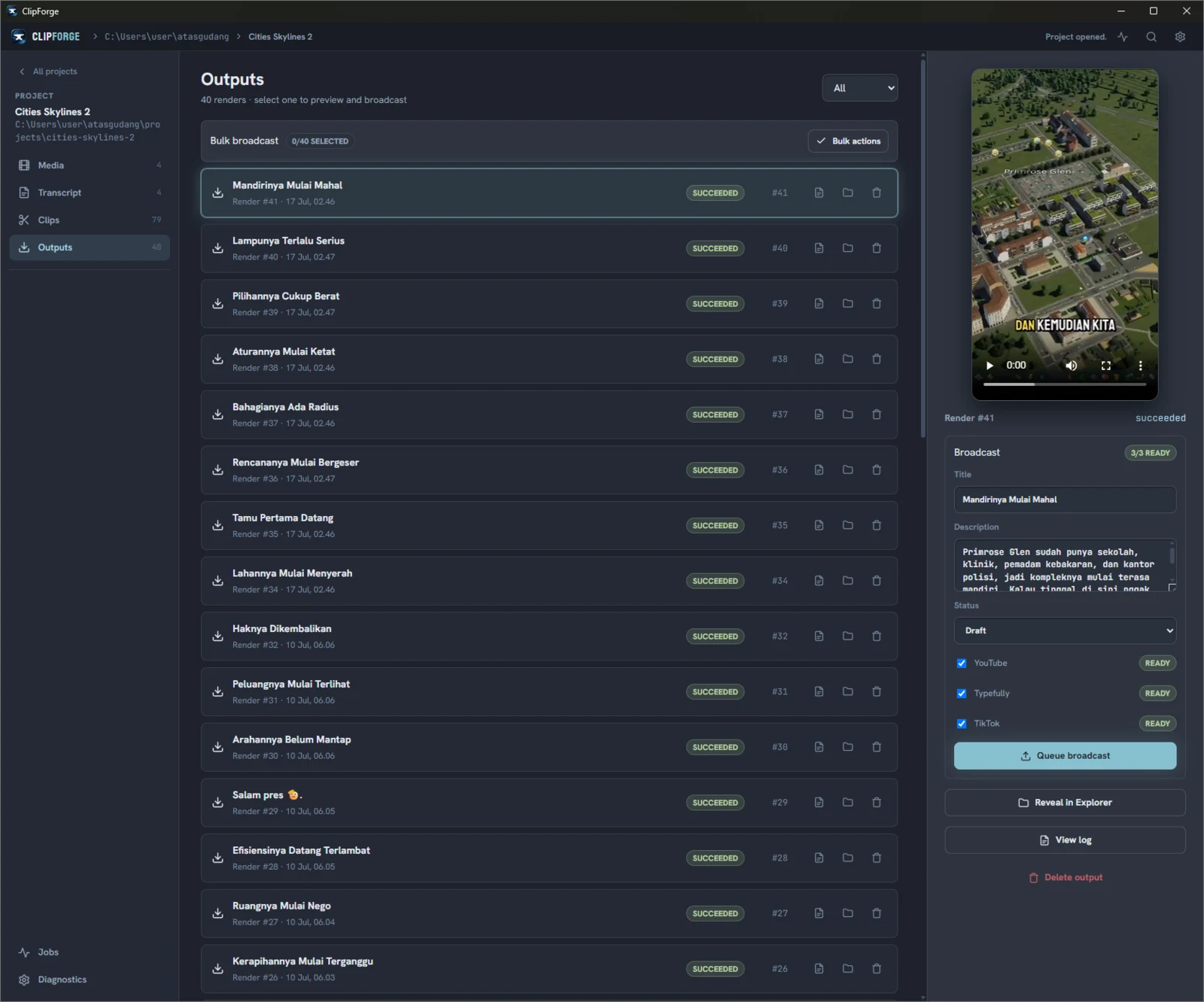
Connected publishing
Publishing integrations
ClipForge keeps editing local, then sends the rendered clip and approved post details only to the destinations you select.
01
YouTube
Upload a rendered clip to an authorized YouTube channel with its title, description, category, and configured privacy. You can also set a future release time; YouTube receives the video as private and publishes it at that time.
See the YouTube integration
02
Typefully
Upload a rendered clip to your configured Typefully social set and create a draft for X and Threads. Keep it as a draft for later review or give it a scheduled publishing time.
See the Typefully integration
03
TikTok
Confirm the connected creator, preview the clip, edit its caption, choose the available audience and interactions, complete required disclosures, and expressly approve the transfer.
See the TikTok integration