Media preview
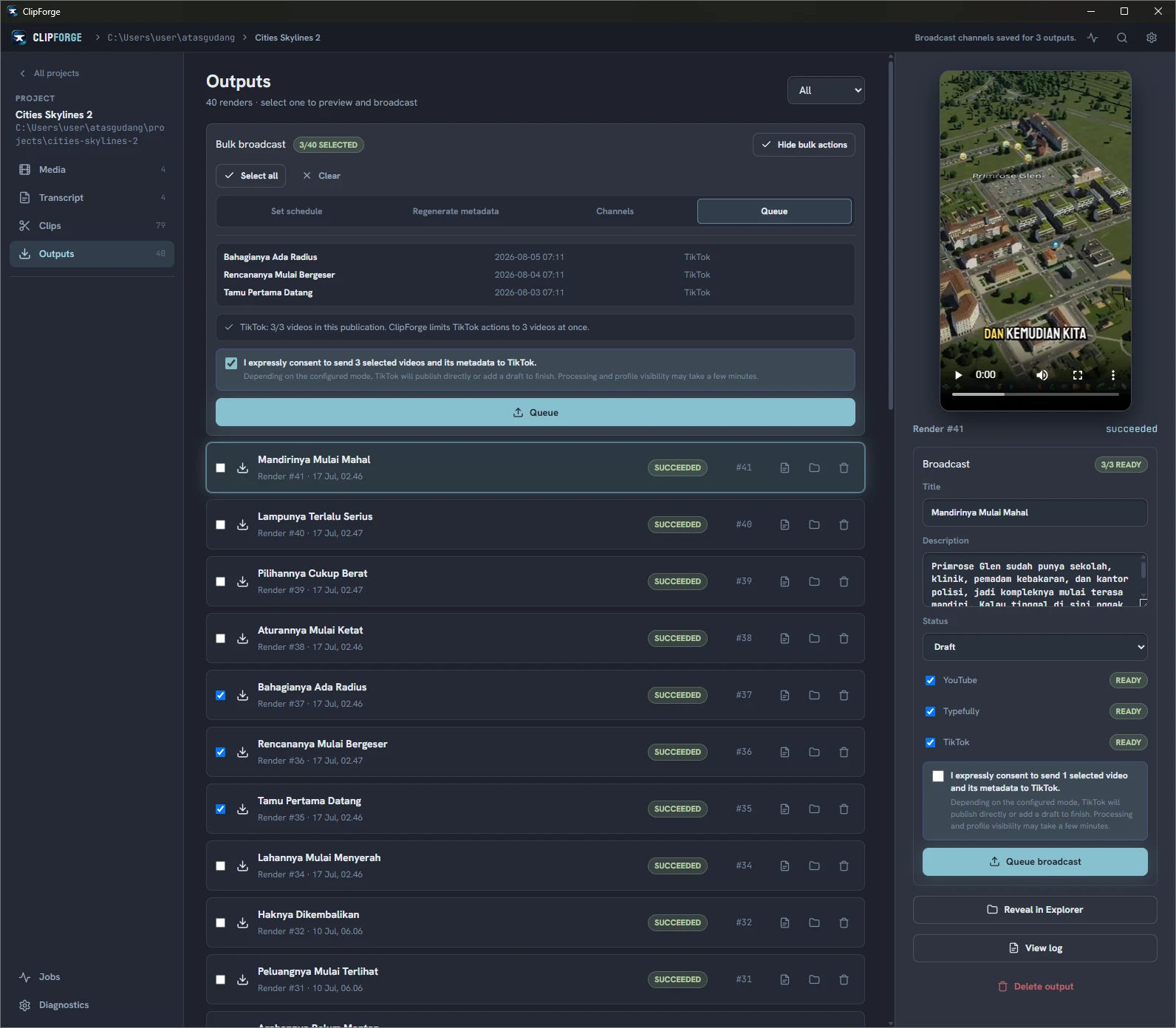
Play the rendered clip and verify that it is the file you intend to send.
 ClipForge
Creator-controlled publishing
ClipForge helps creators publish original clips to their own connected TikTok accounts. The creator reviews the account, media, caption, audience, interactions, and disclosures before each post.
ClipForge sends you to TikTok to authorize the permissions needed for the publishing feature. TikTok controls the authorization screen. ClipForge receives only the approved account information and permissions.
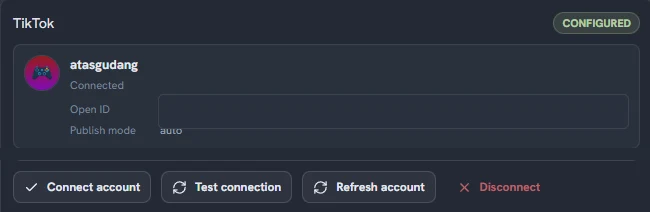
The publishing screen shows the connected TikTok nickname so you can confirm which account will receive the post. You can revoke ClipForge from TikTok and remove the saved connection from ClipForge.
Play the rendered clip and verify that it is the file you intend to send.
Review and edit the title, caption, hashtags, and mentions before posting.
Choose from the privacy options currently available for the connected TikTok creator. ClipForge does not select an audience by default.
Turn comments, Duet, and Stitch on when TikTok reports that the account and post type allow them. These controls start off.
Disclose whether a post promotes your own brand or a third party. ClipForge applies TikTok's availability rules and confirmation text.
Media transfer begins only after you review the required declarations and press the final post action.
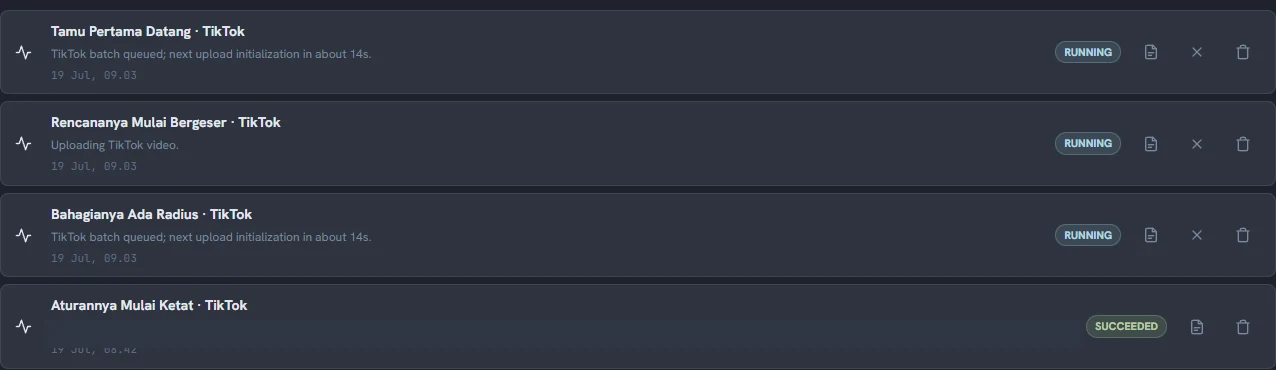
TikTok may need several minutes to process a post. ClipForge keeps the publishing job visible and reports whether it is waiting, complete, or failed. A failed job includes the available reason so you can correct the clip or account setting and try again.
Posting limits, supported duration, audience choices, and interaction options can vary by creator. ClipForge uses the current values returned for the connected account rather than assuming one configuration works for everyone.
ClipForge sends TikTok the media you selected, the post details you approved, and the settings required to complete that request. It does not add a ClipForge watermark, logo, link, or promotional message to your exported media.
Project media stays in your local workspace unless you start a publishing action. Platform credentials are stored using your operating system's secure credential storage.